1. Get Avashalon
Select Windows Download or macOS Download below.
HELPFUL HANDS FOR NEW TRAVELLERS
Starting your adventure should feel simple. Here's how to get Avashalon running and join your friends.
LET'S GET STARTED
Choose your computer and follow the steps after downloading.
Select Windows Download or macOS Download below.
Windows: open the downloaded Avashalon-Setup file and follow the prompts. Windows may ask for permission because this early test installer is unsigned.
Mac: unzip the downloaded file, then control-click Avashalon Setup.command and choose Open. This early test version is not a signed or notarized Mac installer yet.
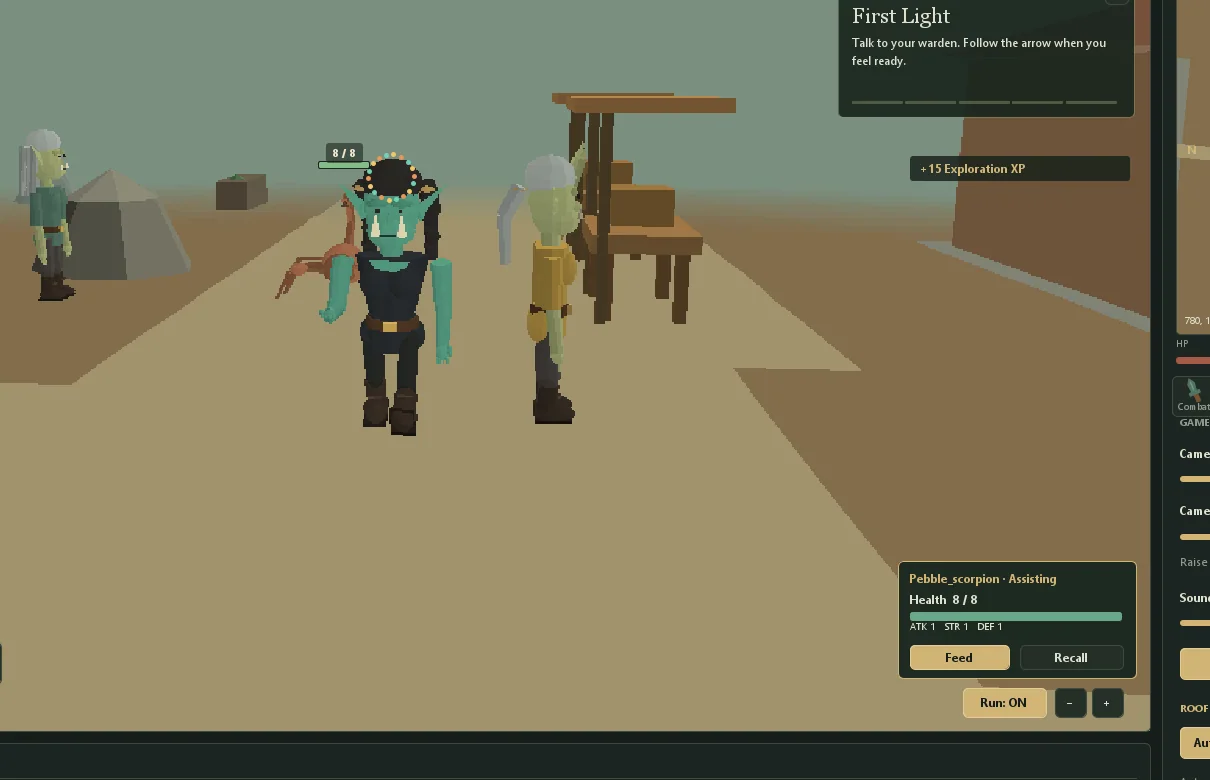
Open the game, sign in or create an account with your private invitation code, make your character and enter the world.
For our private alpha, yes. Ask the person who invited you for the family-and-friends code.
The full game is currently designed for computers. The earlier experimental mobile prototype is retired while we work toward a faithful mobile client.
Yes. Your characters connect to the same shared online world. Meet in the same area and you can explore together.
Your character and progress are saved to the game server. During this early alpha, unexpected changes or downtime can still happen.
Ask the game owner or adult who invited you to contact The Data Architect.